
Running social media used to mean hours of writing, scheduling, replying and checking numbers. For a small team, it could swallow the whole week.
AI has changed that. Today's tools can draft posts in your voice, pick the best times to publish, reply to comments, and turn your analytics into plain advice.
But there are hundreds of tools, and they don't all do the same job. Some are schedulers. Some are content makers. Some focus on engagement.
We compared the 9 best AI tools for social media management in 2027, checked their current prices, and sorted out what each one is really good at.
What AI Does for Social Media Management
- Writing. Drafts captions, threads, hooks and hashtags for each platform.
- Design. Creates images, carousels and short videos from a prompt or a link.
- Scheduling. Plans your calendar and posts at the times your audience is most active.
- Engagement. Suggests or writes thoughtful replies and comments so you stay visible.
- Listening. Tracks what people say about your brand and your competitors.
- Reporting. Turns raw numbers into simple summaries and next steps.
Most tools are strong in one or two of these areas. The trick is matching the tool to the part of social media that eats most of your time.
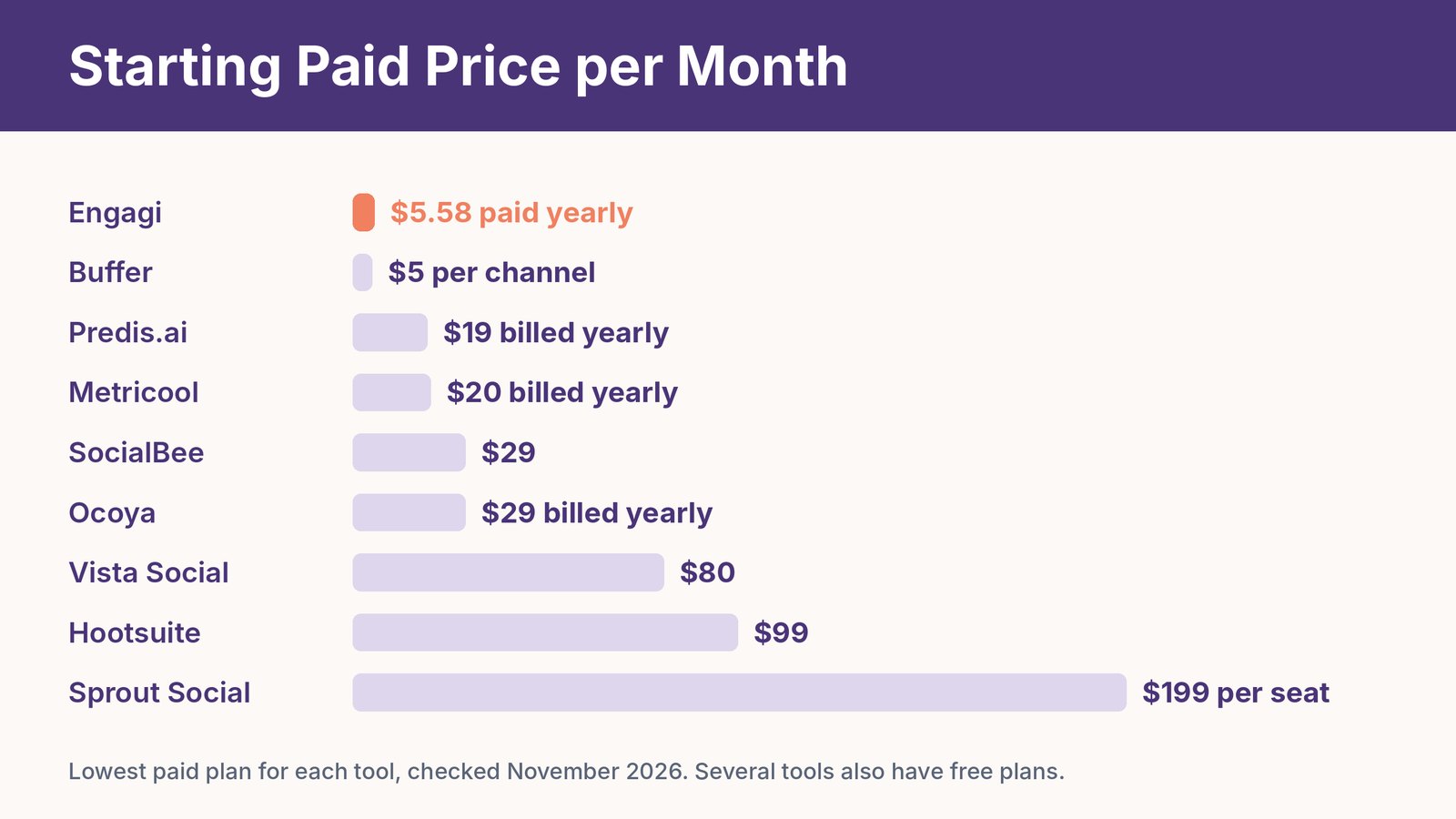
Quick Price Comparison
| Tool | Starting Price | Best For |
|---|---|---|
| Engagi | $5.58 a month paid yearly | AI replies and comments that grow reach |
| Buffer | $5 per channel a month | Simple scheduling for small teams |
| Predis.ai | $19 a month billed yearly | AI posts and ad creatives |
| Metricool | $20 a month billed yearly | Scheduling plus analytics |
| SocialBee | $29 a month | Content categories and recycling |
| Ocoya | $29 a month billed yearly | AI copy and design in one place |
| Vista Social | $80 a month | Agencies and multi-brand teams |
| Hootsuite | $99 a month | All-in-one for growing businesses |
| Sprout Social | $199 per seat a month | Large teams that need deep reporting |
1. Engagi

Most social media tools help you post. Engagi helps you get noticed.
Here's the thing about social platforms. Accounts that comment and reply often get seen more. But writing smart, thoughtful comments all day is exhausting, and most people give up.
Engagi is a Chrome extension that writes high-quality replies in one click. It's designed for Facebook, X and LinkedIn, and it works on just about any social platform. Open a post, click, and Engagi drafts a relevant reply in your tone. You review and approve each one before it goes live, so you stay in control.
It works for any niche and in any language. And when it fits, Engagi can mention your products naturally inside a reply, so engagement turns into business instead of just likes.
Pair it with a scheduler from this list and you've covered both sides of social media, posting and conversation. For a simple daily plan, see our guide to a 20 minute social media engagement routine.
Best for. Founders, creators and small teams who want more reach without spending hours commenting.
Price. $5.58 a month, paid yearly ($67 a year), or $6.99 month to month, with a 30 day refund.
Pros
- One-click, relevant replies
- Works on Facebook, X, LinkedIn and more
- Any niche and any language
- You approve every reply
- Lowest price on this list
Cons
- Focused on engagement, not scheduling
- Runs in Chrome
2. Buffer
Buffer is one of the simplest schedulers around. Connect your accounts, write a post, pick a time, done. Its AI Assistant helps you brainstorm ideas, rewrite posts and adapt them for each platform.
There's a free plan for up to three channels, which makes it a great starting point for solo creators.
Best for. Solo creators and small businesses who want easy scheduling.
Price. Free plan available. Essentials is $5 per channel a month billed yearly ($60 a year).
Pros
- Very easy to use
- Generous free plan
- Cheap per channel
Cons
- Price grows with every channel
- Basic analytics on lower plans
3. Predis.ai
Predis.ai turns a short text prompt or a product link into ready-to-post content. Carousels, image posts, short videos and ad creatives, complete with captions and hashtags.
It's especially handy for online stores that need a steady flow of product posts and ads.
Best for. Ecommerce brands and marketers who need lots of visual posts fast.
Price. Plans start around $19 a month billed yearly ($230 a year). Every plan starts with a 3 day trial.
Pros
- Creates full visual posts from a prompt
- Good for product and ad content
- Built-in scheduling
Cons
- Designs can look templated
- Card needed for the trial
4. Metricool
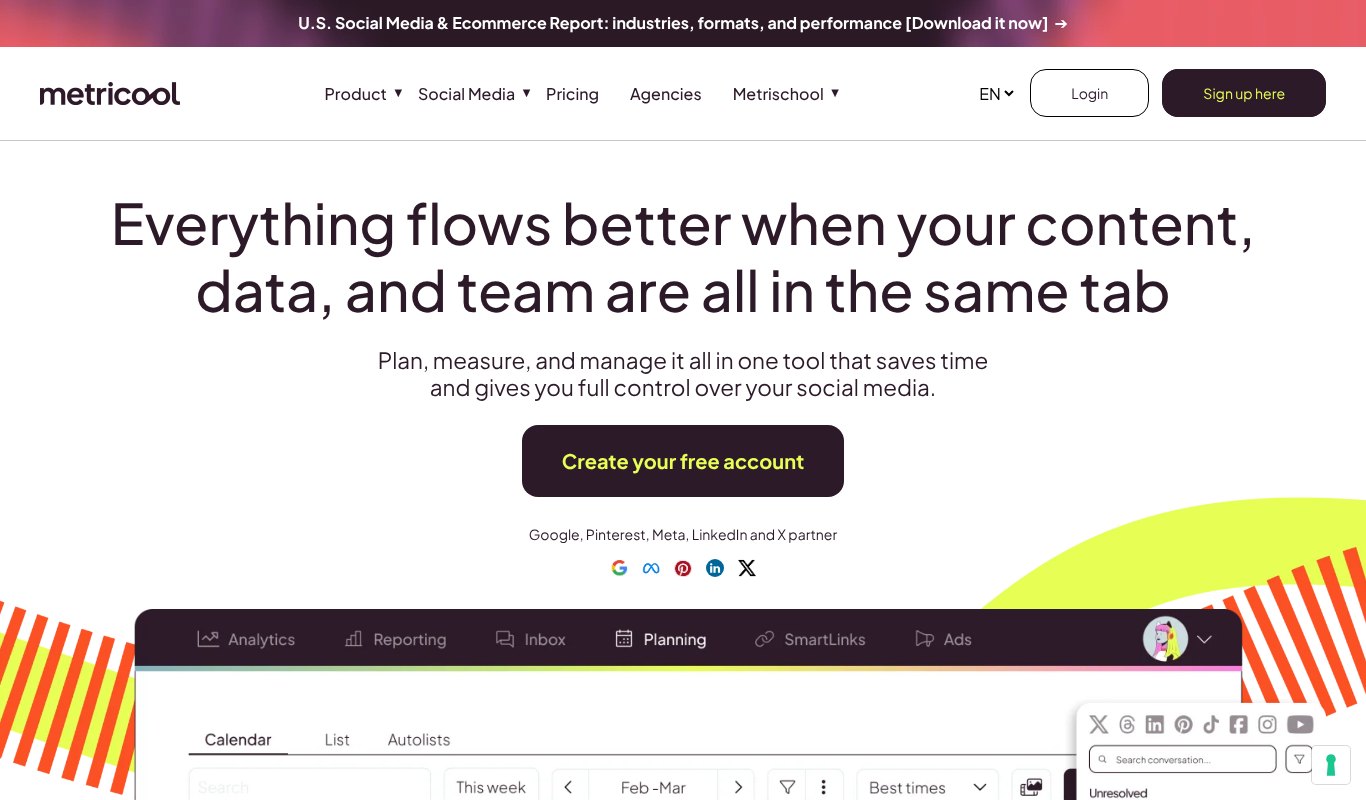
Metricool combines a visual planner with strong analytics. You can schedule posts, track results, watch competitors and manage ads in one dashboard.
Its AI helps write posts, and its reports are clear enough to share with a boss or client as they are.
Best for. Creators and small agencies who care about analytics.
Price. Free plan for one brand. Starter from $20 a month billed yearly for up to 5 brands.
Pros
- Free plan
- Great analytics and reports
- Good value for several brands
Cons
- Interface takes some learning
- AI features are basic
5. SocialBee
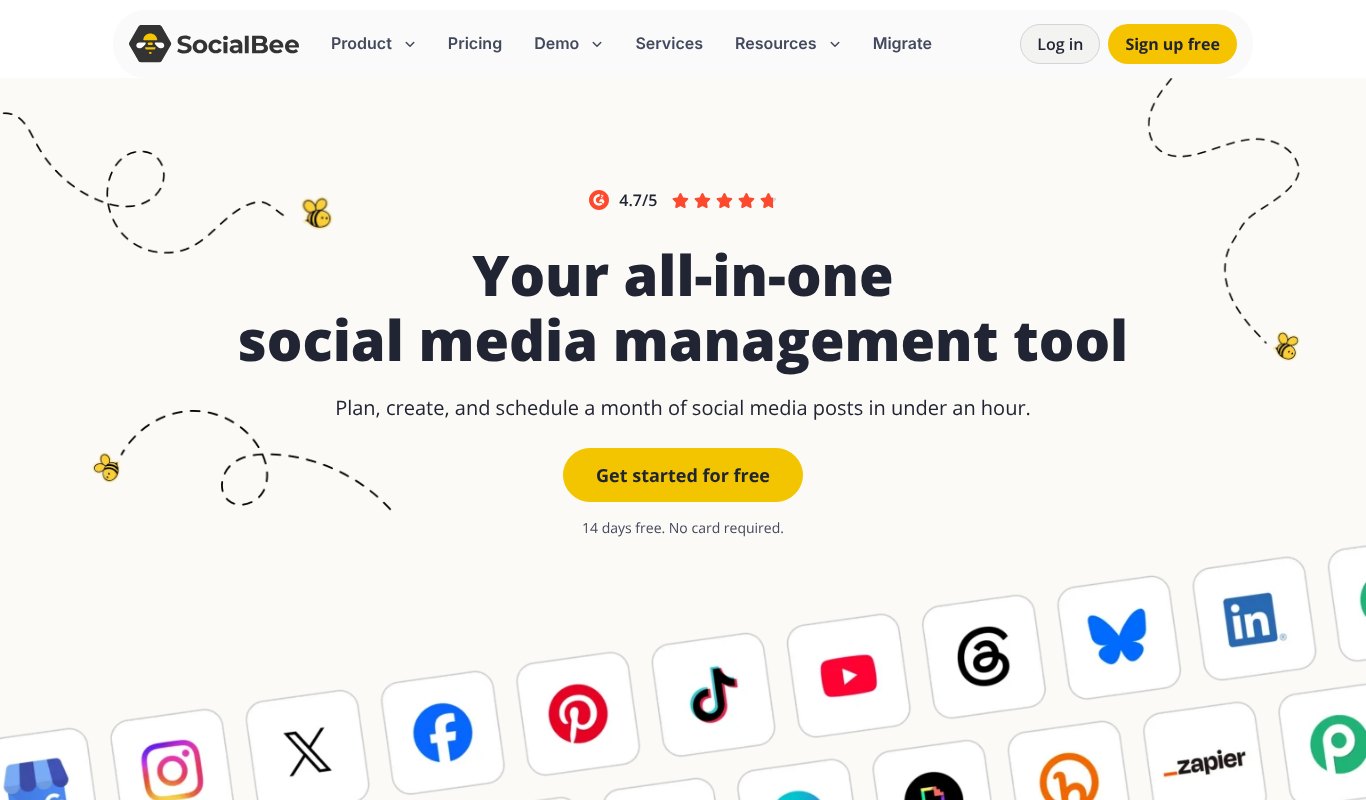
SocialBee organizes your posts into content categories, like tips, promotions and blog posts, then fills your calendar evenly. It can also recycle your best evergreen posts so your feed never runs dry.
Its AI copilot can build a whole content plan from a short description of your business.
Best for. Small businesses that want a balanced, always-full calendar.
Price. From $29 a month, or $290 a year. 14 day free trial.
Pros
- Content categories keep your mix balanced
- Evergreen post recycling
- Helpful AI copilot
Cons
- Higher plans needed for teams
- Analytics are lighter than rivals
6. Ocoya
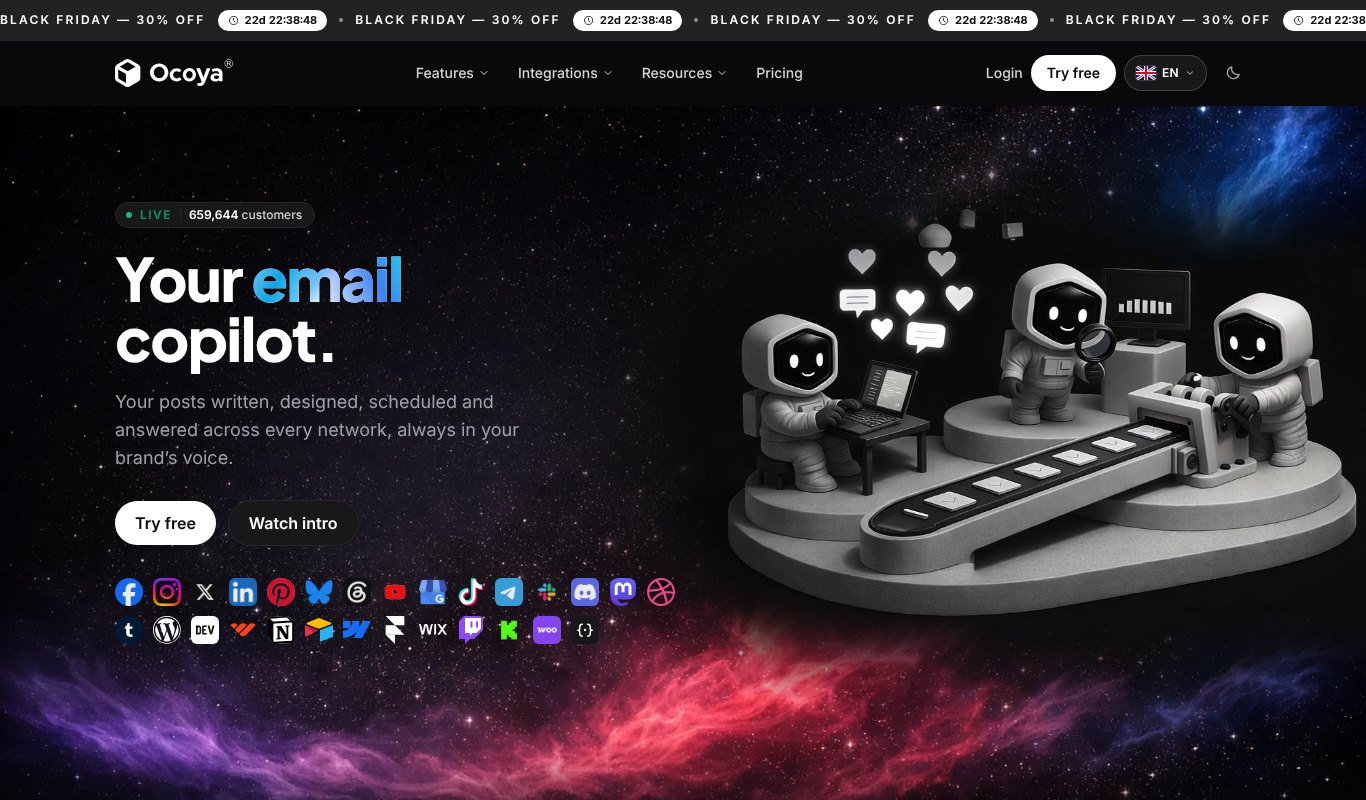
Ocoya brings AI copywriting, design templates and scheduling together. Write a caption, generate a matching graphic, and schedule it across many networks without leaving the app.
It also connects to online stores, so you can create posts straight from your products.
Best for. Small teams that want writing, design and scheduling in one tool.
Price. Starter is $29 a month billed yearly ($290 a year), or $41 month to month. 7 day trial with a card.
Pros
- Copy, design and scheduling together
- Supports many networks
- Ecommerce connections
Cons
- Design tools are basic
- Card required for the trial
7. Vista Social
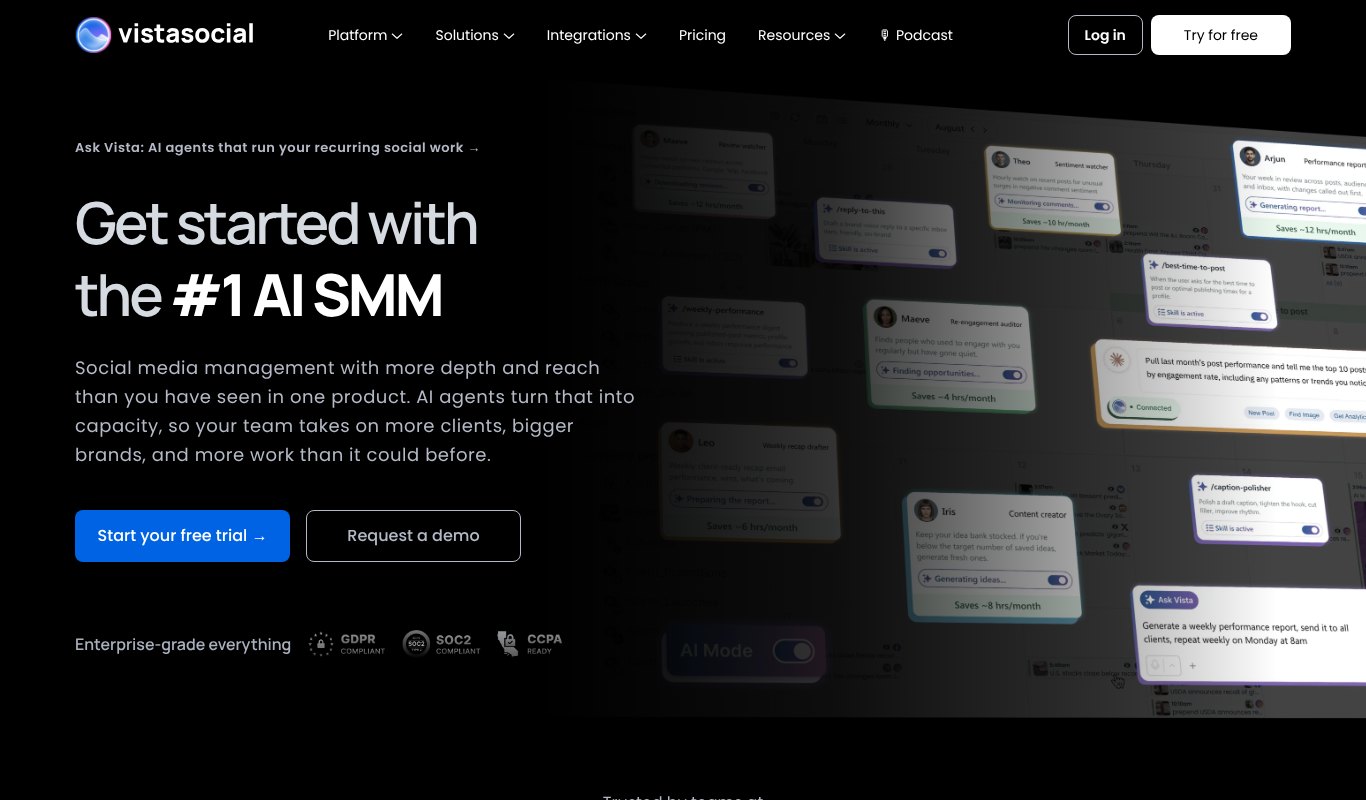
Vista Social is a full platform for teams and agencies. Scheduling, a shared inbox, listening, reviews, reporting and AI agents that handle repeat tasks.
It supports a wide range of networks, including newer ones like Threads and Bluesky, and it's priced well for what it includes.
Best for. Agencies and teams managing several brands.
Price. From $80 a month ($950 a year). 14 day free trial.
Pros
- Very complete feature set
- Strong inbox and reporting
- Supports many networks
Cons
- More than a solo creator needs
- Takes time to set up
8. Hootsuite
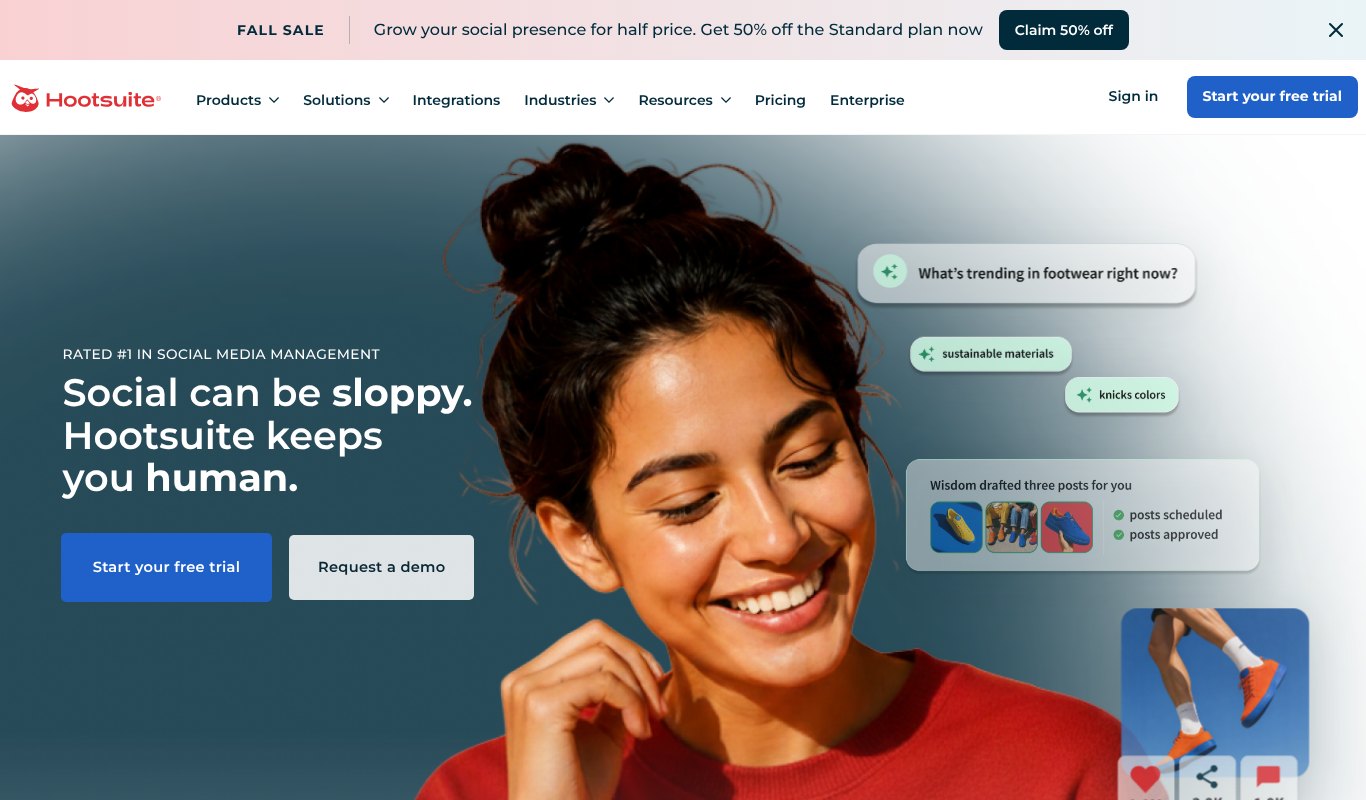
Hootsuite is one of the oldest names in social media management. It covers scheduling, a unified inbox, listening and analytics, and its AI writer, OwlyWriter, drafts posts and ideas.
It's a safe choice for growing businesses that want everything in one place.
Best for. Growing businesses that want an all-in-one platform.
Price. From $99 a month, then $199 and $399. 14 day free trial.
Pros
- All-in-one platform
- Strong listening tools
- Lots of integrations
Cons
- Expensive for small teams
- Can feel complex
9. Sprout Social
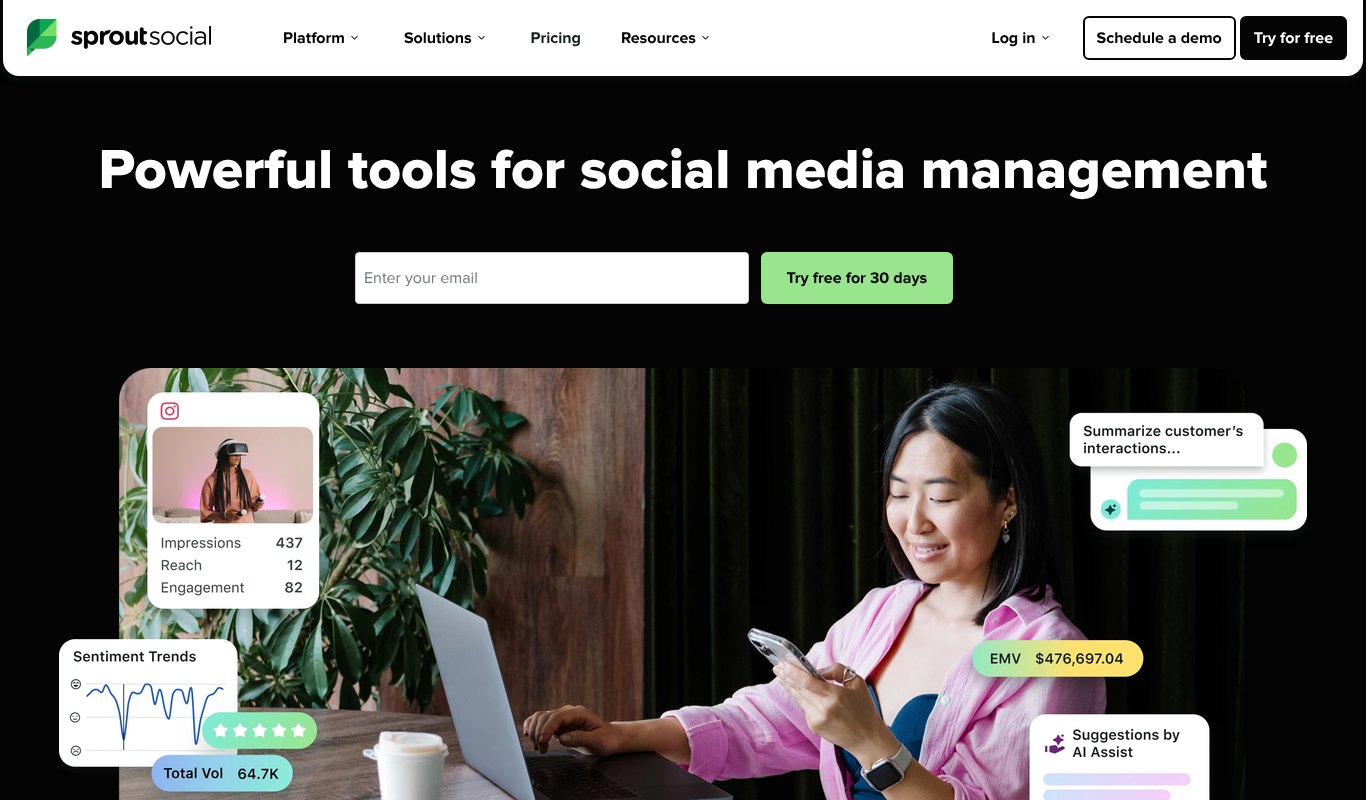
Sprout Social is built for larger teams. Its reports are some of the best in the industry, and its AI agent can answer questions about your data in plain language.
It also has strong listening, customer care and approval workflows.
Best for. Larger companies that need deep reporting and team workflows.
Price. From $199 per seat a month. 30 day free trial.
Pros
- Best-in-class reporting
- Strong team and approval tools
- Powerful listening
Cons
- Most expensive on this list
- Per seat pricing adds up
How to Choose the Right AI Social Media Tool
Start with the job that takes most of your time.
- Not enough reach? Use Engagi to keep up steady, quality engagement.
- Hard to post consistently? Buffer, SocialBee or Metricool will keep your calendar full.
- Need visuals fast? Predis.ai and Ocoya create posts and graphics for you.
- Managing many brands or clients? Vista Social or Hootsuite.
- Big team with reporting needs? Sprout Social.
Many businesses use two tools together, one for posting and one for engagement. That combination covers both halves of social media.
Why Engagement Matters as Much as Posting
Most people think social media success is about posting more. Posting matters, but platforms also reward accounts that take part in conversations.
When you leave a thoughtful comment on a popular post, everyone reading that thread sees your name. Some click through to your profile. A few follow you. Over weeks, those small moments add up to real growth, often faster than your own posts can manage on their own.
Replies on your own posts matter too. When people comment and you answer, the conversation keeps going, and the platform shows the post to more people. Leave comments unanswered and the post fades.
That's why the smartest social media setups combine two kinds of tools. A scheduler keeps your own posts flowing, and an engagement tool helps you show up in other people's conversations every day without burning out.
A Simple Weekly Workflow With AI
Monday. Ask your AI tool for ten post ideas based on questions your customers ask. Pick the best five.
Tuesday. Draft the posts with AI, then edit them in your own voice. Create matching images or a short video.
Wednesday. Schedule everything for the week in your scheduler, at the times your audience is most active.
Every day. Spend 15 to 20 minutes engaging. Reply to comments on your posts and leave useful comments on posts in your niche.
Friday. Check your numbers. Which posts got comments and shares? Do more of those next week.
Tips to Get More From AI Social Media Tools
- Teach it your voice. Give the AI a few of your best posts and a short style guide.
- Always review before posting. AI drafts are a starting point, not the final word.
- Mix formats. Rotate text posts, images, carousels and short videos.
- Engage every day. Replies and comments often do more for reach than another post.
- Check results weekly. Keep what works, drop what doesn't.
- Start small. Master one platform before adding the next.
Mistakes to Avoid
- Posting the same copy everywhere. Each platform has its own style.
- Letting AI reply without review. One off-tone reply can hurt your brand.
- Chasing every feature. Pay for what you'll use this month.
- Ignoring comments on your own posts. Reply quickly, especially in the first hour.
- Buying followers or using spammy automation. Platforms punish it, and it ruins trust.
FAQ
What is the best AI tool for social media management?
It depends on your main job. For engagement and reach, Engagi. For simple scheduling, Buffer. For large teams, Sprout Social or Hootsuite.
Is there a free AI social media management tool?
Buffer and Metricool both have free plans. Most other tools offer free trials of 7 to 30 days.
Can AI write social media posts for me?
Yes. Most tools on this list can draft posts and captions. Always edit them so they sound like you. Our list of AI comment generators covers tools for replies too.
Will AI replace social media managers?
No. AI handles the repetitive work, so managers can focus on strategy, creative ideas and real relationships.
How much should a small business spend on social media tools?
Many small businesses do well spending under $30 a month in total. A low-cost scheduler plus an engagement tool like Engagi covers most needs. Upgrade only when your team or your number of brands grows.
Final Thoughts
The best AI tools for social media management save you hours every week. Pick a scheduler that fits your size and budget, and make sure you're engaging, not just posting.
If reach is your biggest problem, try Engagi. It turns the most tiring part of social media, thoughtful engagement, into a one-click job.