I first published a list of AI tools for business growth in December 2024. Looking back at it now is a little painful. A few prices were wrong, Freshdesk was listed at a number that made no sense, and the writing leaned on big claims instead of plain advice.
So I've rebuilt the list. Ten tools. Current starting prices from each vendor's own page in early November 2026. A comparison table. And a clearer take on when a small business actually needs each one.
Full disclosure. Engagi is our Chrome extension at Teknikforce, and it's my first pick for social engagement. I'll only claim features that are on the Engagi sales page, and I'll say when another tool on this list is the better fit.
If you want the deeper dive on comment tools alone, see 9 Best AI Comment Generators in 2027.
What "AI for business growth" actually means here
I'm not talking about training your own model. I'm talking about everyday work that used to eat evenings.
- Replying to people on LinkedIn, X, Facebook and the rest
- Drafting marketing copy without starting from a blank page
- Keeping projects and notes in one place
- Turning meetings into searchable notes
- Running sales outreach sequences
- Handling support tickets without drowning
Pick tools that remove a job you already hate. Skip tools that invent a new job for you.

How I scored the tools
I kept the bar simple.
- Job fit. Does it solve one clear job well?
- Setup. Can a non-technical owner use it in an afternoon?
- Price clarity. Is the starting price public, or do you have to book a demo?
- Free plan or trial. Can you try before you commit?
- Honest limits. Where does it stop being useful?
The comparison table
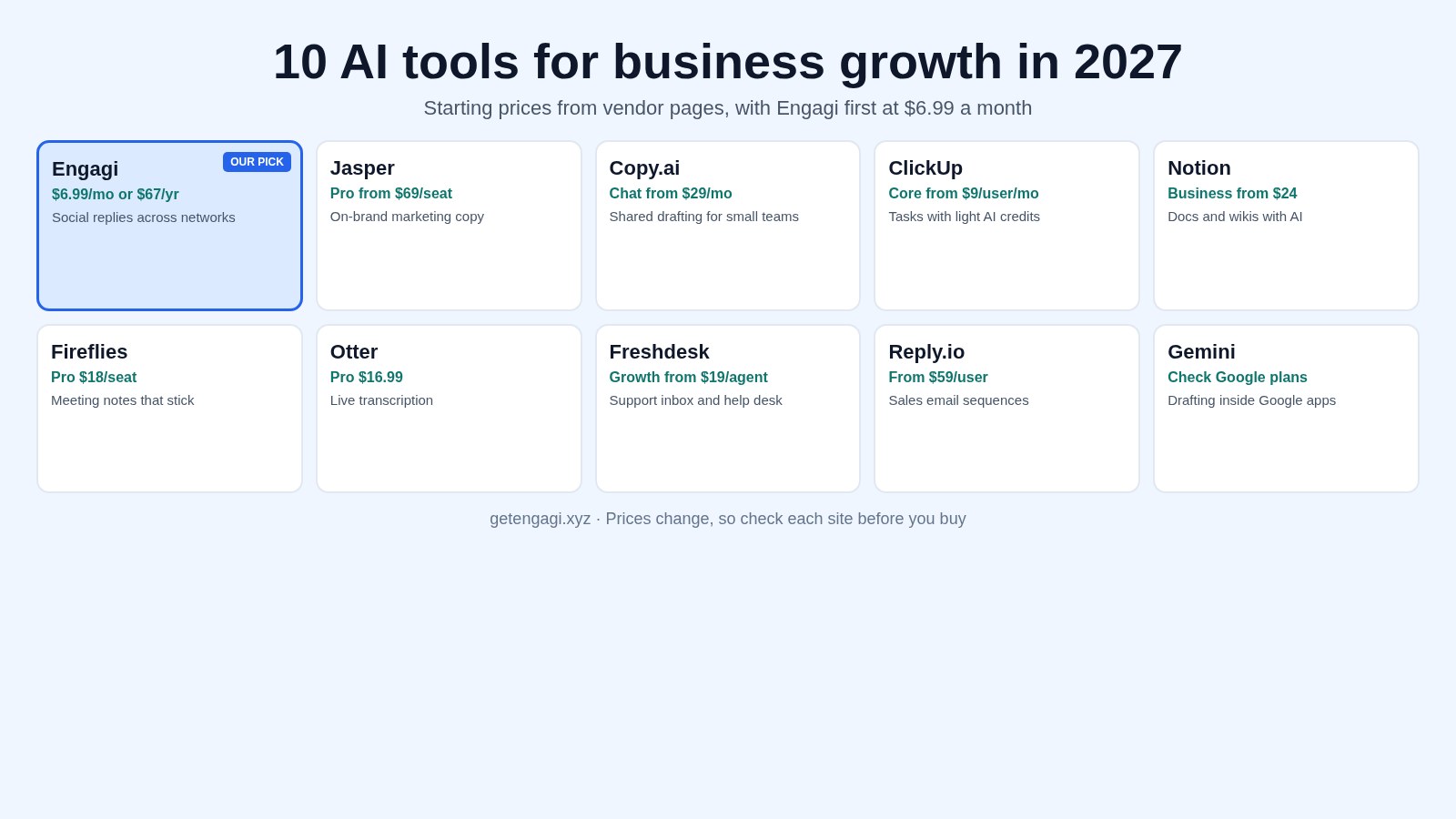
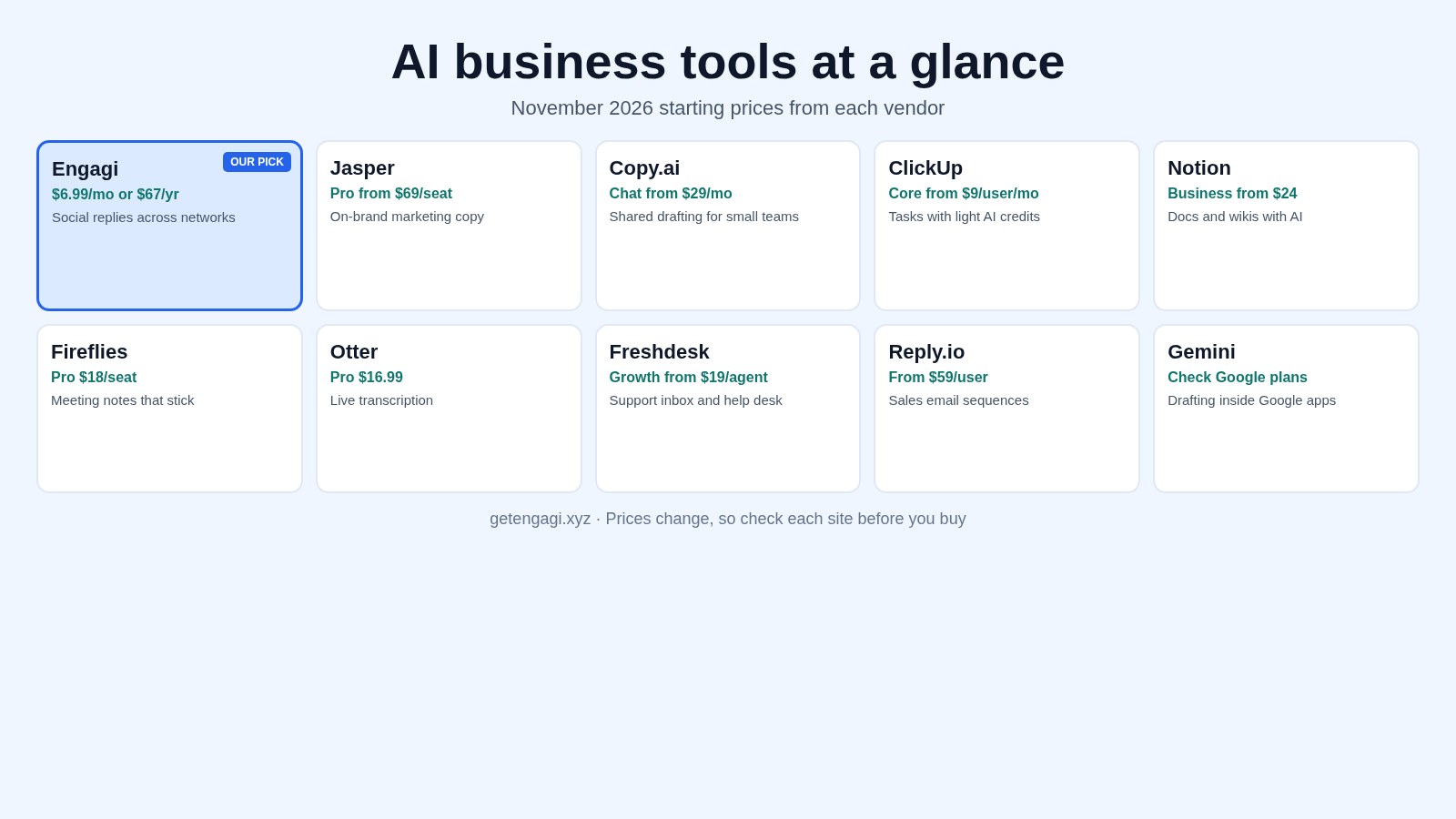
| Tool | Starting price | Best for | Free plan or trial |
|---|---|---|---|
| Engagi | $6.99/month or $67/year | Social replies across networks | 30 day refund |
| Jasper | Pro $69/seat/month, or $59/seat/month yearly | On-brand marketing copy | 7 day free trial |
| Copy.ai | Chat $29/month, or $24/month yearly | Small teams drafting go-to-market copy | Check site |
| ClickUp | Core from $9/user/month yearly | Tasks and docs with light AI credits | Yes, Free Forever |
| Notion | Business $24/member/month, or $20 yearly | Docs and wikis with AI included | Free plan, AI limited |
| Fireflies.ai | Pro $18/seat/month, or $10/seat/month yearly | Meeting notes and action items | Yes |
| Otter.ai | Pro $16.99/user/month, or about $8.33 yearly | Live transcription | Yes, Basic free |
| Freshdesk | Growth from $19/agent/month yearly | Support inbox and help desk | Free trial |
| Reply.io | From $59/user/month, or $49/user/month yearly | Sales email sequences | Check site |
| Google Gemini | Google AI plans, check site | Research and drafting inside Google apps | Free tier available |
Prices move. Open the vendor page before you buy.
1. Engagi
Engagi is a Chrome extension that drafts replies on social posts so you can engage without spending your whole evening writing comments. It works on Facebook, X, LinkedIn and Threads, and it can be used on other networks from the browser too.
From the sales page, you get
- One-click reply drafts based on the post in front of you
- Mood options like agree, disagree, thank, ask a question, humour or sarcasm
- Optional product mentions woven into the reply when you want them
- Auto language detection, with a way to switch languages
- Multiple AI models so replies don't all sound the same
- A browser-based workflow, so platforms see normal posting behaviour
Price. $6.99/month or $67/year. There's a Pro upgrade inside the product for more browser instances and a commercial license. The sales page still shows older Elite numbers in places, so treat $6.99 and $67 as the current offer.
Why I'd pick it. Most small businesses don't need another content suite. They need to show up in other people's feeds. Engagi is built for that job and costs less than a lunch out.
Where it falls short. It doesn't schedule posts, run ads, or replace a full social media manager. You still read the draft and hit post yourself.
2. Jasper
Jasper is an AI writing platform aimed at marketing teams. Brand voices, agents, and campaign-style workflows live here. Pro is $69 per seat per month, or $59 per seat per month on yearly billing, with a 7 day free trial (Jasper pricing). Business is custom.
Best for. Teams that publish a lot of on-brand copy and want guardrails around voice.
Skip if. You only need occasional social replies. Engagi or a general chat tool will cost less.
3. Copy.ai
Copy.ai's Chat plan starts at $29/month, or $24/month billed yearly, and includes multiple seats on that tier (Copy.ai pricing). Higher workflow plans jump into four figures a month, so read the page carefully.
Best for. Small sales and marketing teams that want shared AI chat without an enterprise contract.
Skip if. You need deep brand governance. Jasper's Business tier is built for that.
4. ClickUp
ClickUp is still a project tool first. AI credits come with paid plans. The cheapest paid tier on the public page is Core from about $9 per user per month on yearly billing, and there's a Free Forever plan with a small pool of AI credits (ClickUp pricing).
Best for. Teams that already live in tasks and want light AI inside the same workspace.
Skip if. You were hoping for a dedicated writing or engagement product.
5. Notion
Notion bundles AI into higher plans. Business is $24 per member per month, or $20 on yearly billing, and that's where Notion AI is included in a meaningful way. Plus is cheaper but AI access is limited (Notion pricing).
Best for. Companies whose wiki, docs and meeting notes already sit in Notion.
Skip if. You only wanted an AI writing add-on. Paying Business for AI alone is a steep route.

6. Fireflies.ai
Fireflies joins your calls, transcribes them, and pulls out action items. Pro is $18 per seat per month, or $10 per seat per month yearly, and there's a free plan with capped storage (Fireflies pricing).
Best for. Founders and sales teams who hate taking notes mid-call.
Skip if. Your meetings are rare. Otter's free tier may be enough.
7. Otter.ai
Otter is the transcription tool a lot of people already know. Pro is $16.99 per user per month, or roughly $8.33 on yearly billing, with a free Basic plan (Otter pricing).
Best for. Interviews, lectures and calls where searchable text matters more than CRM sync.
Skip if. You need deep CRM autofill. Fireflies Business leans that way.
8. Freshdesk
The old version of this post somehow put Freshdesk near a thousand dollars an agent. That was wrong. Growth starts around $19 per agent per month on yearly billing on Freshworks' current pricing page, with higher Pro and Enterprise tiers above that (Freshdesk pricing).
Best for. Support teams that want shared inboxes, a knowledge base and AI assist on tickets.
Skip if. You only get a handful of support emails a week. A shared Gmail label may still win.
9. Reply.io
Reply is a sales engagement platform for email sequences and outreach. Public pricing starts around $59 per user per month, or $49 per user per month yearly, for the Email Volume plan at 1,000 active contacts (Reply pricing). Multichannel and AI SDR tiers cost more.
Best for. Sales teams running outbound sequences at volume.
Skip if. You mainly need social engagement. That's Engagi's lane, not Reply's.
10. Google Gemini
Gemini sits inside Google's AI plans and Workspace tools. Pricing depends on whether you're on a consumer Google AI plan or a Workspace seat, so I won't invent a single number. Check Google's current AI plan page before you budget.
Best for. People who already live in Docs, Gmail and Drive and want drafting help without another login.
Skip if. You need strict brand voices across a marketing team. Jasper is built for that.
How I'd pick as a small business
If I ran a one-person shop tomorrow, I'd buy in this order.
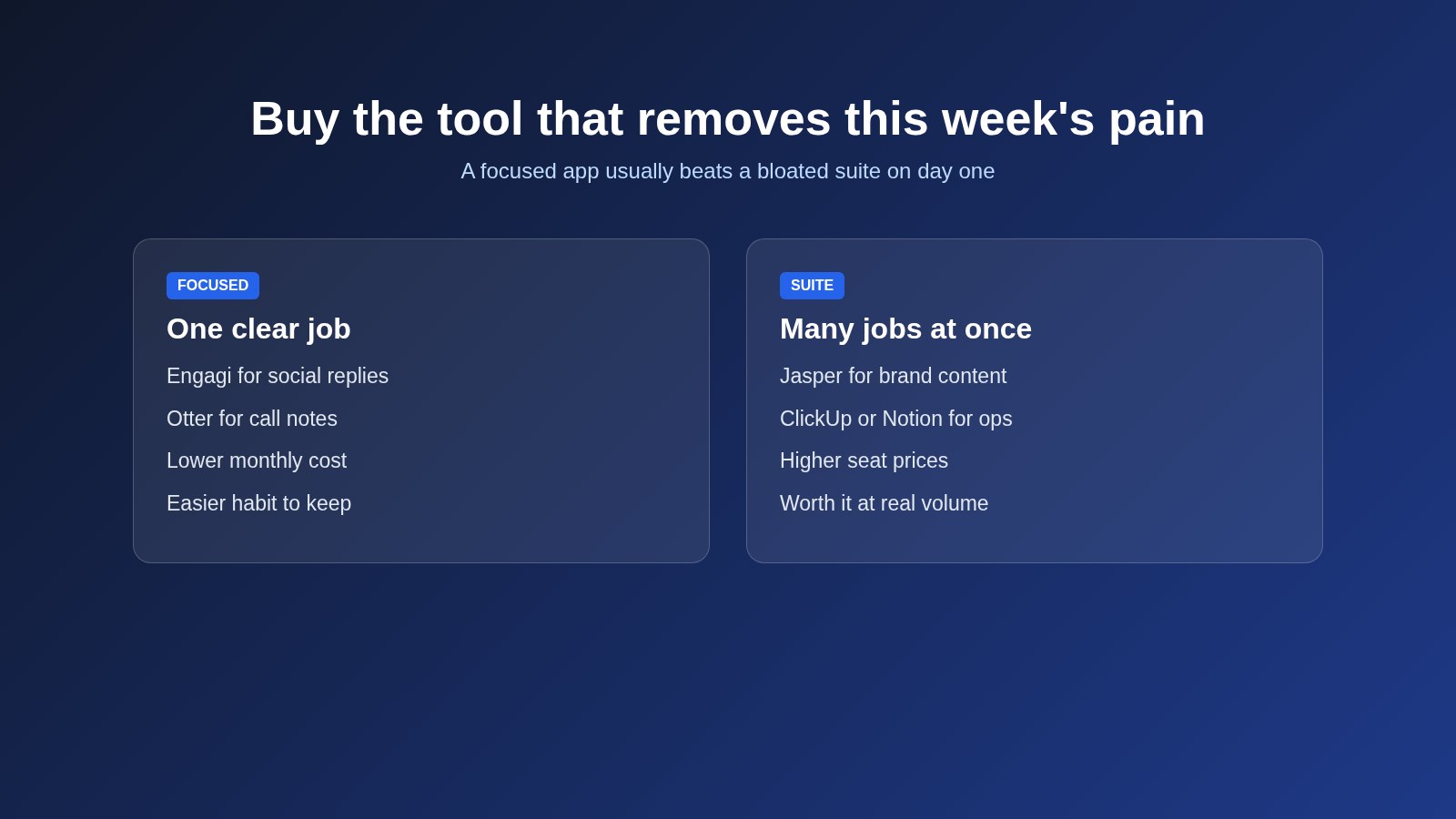
- Engagi for daily social replies, because visibility compounds and the price is low.
- Otter or Fireflies if my week is full of calls.
- ClickUp or Notion if my notes and tasks are a mess.
- Jasper or Copy.ai only when content volume justifies another subscription.
- Freshdesk or Reply when support or outbound sales becomes a real queue.
Buy the tool that removes this week's pain. Stacking five AI apps on day one is how subscriptions quietly eat the margin.
A note on ownership and bias
I work on Engagi, so of course I think social engagement belongs near the top of a growth stack. That bias is real. What I won't do is pretend Engagi writes your blog posts, scores your leads or runs your help desk. Those jobs belong to the other tools on this list.
If your bottleneck is content volume, start with Jasper or Copy.ai. If your bottleneck is missed follow-ups after calls, start with Fireflies or Otter. Match the tool to the pain, not to the loudest homepage.
A few common questions
Which AI tool is best for a small business on a tight budget?
Start with Engagi at $6.99 a month if social reach is the bottleneck. Add a free or low-cost meeting tool next. Wait on the expensive writing suites until you have a clear content workload.
Do I need technical skills to use these tools?
For the ten above, no. They're built for marketers, founders and support teams. You still need judgment. Read every draft before it goes out.
Will AI replace my social media person?
Not if that person is doing strategy, community and creative work. It can replace the blank-page hour of writing routine replies, which is usually the part people quit over.
Are AI tools safe for customer data?
Reputable vendors publish security pages and data policies. Read them. Don't paste private customer records into a random chat box, and prefer tools that say they don't train public models on your inputs.
How often should I revisit this stack?
Every six months is plenty. Prices change, free tiers shrink, and one good habit beats five unused logins.
Ready to grow the social side first?
If the gap in your business is quiet profiles and empty comment sections, start there. Get Engagi for $6.99 a month or $67 a year, install the Chrome extension, and spend twenty focused minutes a day leaving real replies. There's a 30 day refund if it isn't useful.
For a daily engagement routine you can keep, pair this list with How to Build a Daily Social Media Engagement Routine in 20 Minutes.