Customer service used to happen behind closed doors. A phone call. An email. A support ticket.
Not anymore.
Today your customers ask questions in your Facebook comments. They complain on X. They praise you, or tag a competitor, on LinkedIn. Everyone else can see how fast you reply and what you say.
That's a lot of pressure for a small team. It's also a big chance. Here are 7 ways AI engagement tools are changing customer service in 2027, and how to use them well.
What Are AI Engagement Tools?
AI engagement tools help you reply to people. Comments, questions, mentions and conversations, across social media and other channels.
The best ones read the post or comment, understand what the person wants and draft a reply in your tone. You check it, tweak it if needed and post. What took ten minutes now takes ten seconds.
They're different from chatbots on your website, which answer questions in a private window. Engagement tools work out in the open, where your brand's reputation is built.
Why Customer Service Moved to Social Media
- It's where people already are. Commenting is easier than finding a support email.
- It's fast. People expect a reply the same day, often the same hour.
- It's public. One good reply is seen by everyone who reads the thread.
- It shapes buying decisions. Shoppers read how you treat other customers before they buy.
So a slow or careless reply doesn't just upset one person. It quietly tells hundreds of potential customers what to expect.
7 Ways AI Engagement Tools Are Changing Customer Service
1. Replies in Minutes, Not Days
Speed is the first thing customers notice.
With an AI engagement tool, a reply is drafted the moment you open the comment. You're not staring at a blank box wondering how to phrase it. That makes it realistic to clear every comment on a post in a few minutes, even on busy days.
2. A Consistent, Friendly Tone
When three people on a team answer comments, you often get three different voices. One is chatty, one is stiff, one forgets to say thanks.
AI drafts give everyone the same starting point in your brand's tone. Your replies feel like one company talking, not a random mix.
3. Every Language, Every Customer
A comment in Spanish or Hindi used to sit unanswered until someone could translate it.
Good AI engagement tools understand and reply in many languages. Every customer gets an answer in their own language, which feels personal and builds trust fast.
4. Questions Become Sales Conversations
"Does this work for small shops?" is a customer service question. It's also a buying signal.
AI can spot those moments and draft a reply that answers the question and points to the right product or page, naturally. You help the person and move them closer to buying, without sounding pushy.
5. Calm Answers to Complaints
Public complaints are stressful. It's easy to reply too fast, too defensively or not at all.
AI helps you start from a calm, polite draft. Thank them, own the problem, explain the next step and move the details to a private message. Then you add the human touch. Handled well, a complaint can win more trust than a compliment.
6. Proactive Help, Not Just Reactive
Great customer service doesn't wait to be asked.
With AI, you can join conversations in your niche, answer questions people post in groups and comment helpfully on posts where your customers hang out. You become known as the helpful brand before anyone needs support.
7. Your Team Focuses on the Hard Stuff
Most comments are simple. Thanks, quick questions, the same three issues every week.
When AI drafts those replies, your people have time for the tricky cases that really need judgment and empathy. Less burnout, better service.
How Engagi Helps
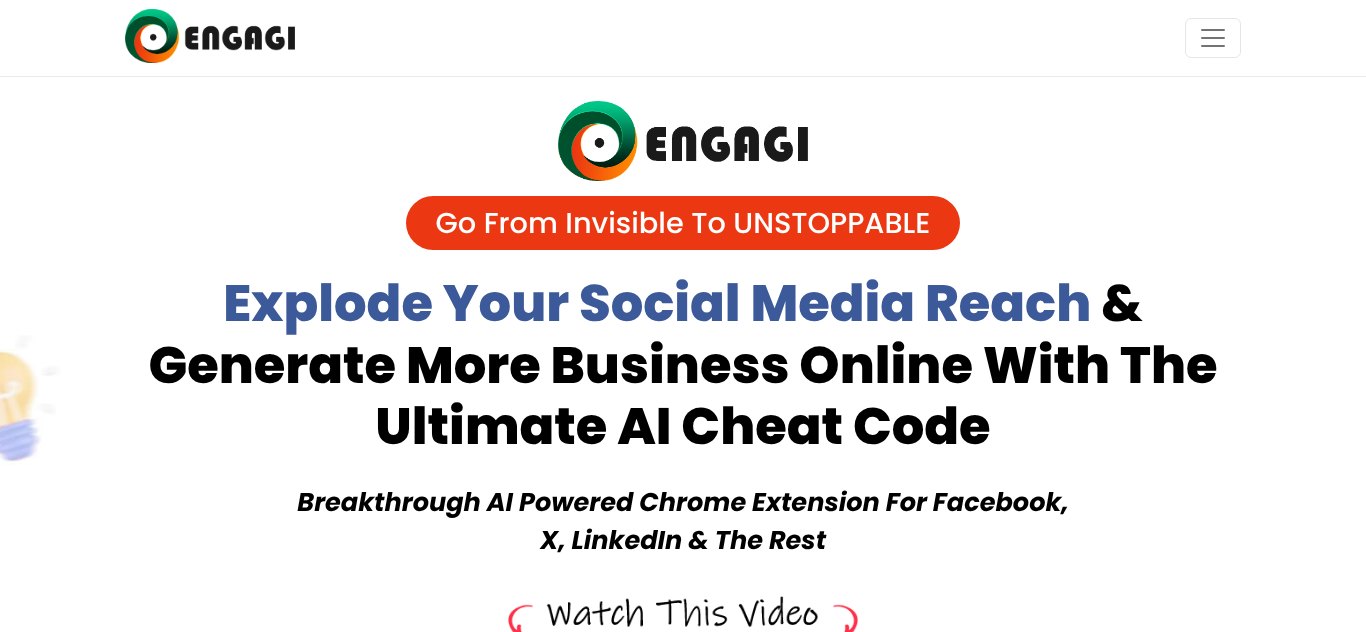
Engagi is a Chrome extension that writes high-quality replies and comments in one click.
It's built for Facebook, X and LinkedIn and works on just about any social platform. Open a post or comment, click, and Engagi drafts a relevant reply in your tone. You review and approve every one before it goes live, so nothing gets posted without you.
It works in any niche and any language. And when it fits, Engagi can mention your products naturally inside a reply, so helpful conversations turn into business.
Engagi costs $5.58 a month, paid yearly ($67 a year), or $6.99 month to month, with a 30 day refund.
Want a simple daily habit to go with it? See our 20 minute social media engagement routine.
How to Use AI for Customer Service Without Sounding Like a Robot
- Read before you reply. Make sure the draft actually answers what the person asked.
- Add one personal detail. Their name, their situation, or a line only a human would write.
- Keep it short. Two or three sentences beat a paragraph.
- Move private issues to private messages. Never ask for order numbers or details in public.
- Never fake it. If you don't know the answer, say you'll check and come back.
- Follow up. Reply again when the issue is fixed. People notice.
Example Replies That Work
Here's how a good AI draft plus a human touch looks in practice.
A simple question
"Do you ship to Canada?" becomes "Yes, we do, Priya! Most Canadian orders arrive in 5 to 7 days. Here's our shipping page if you want the details."
A complaint
"My order is late again" becomes "Sorry about this, Mark. That's not the experience we want for you. I've sent you a private message so we can sort it out today."
A compliment
"Love this product!" becomes "That made our day, thank you! What do you use it for most? We love hearing how people use it."
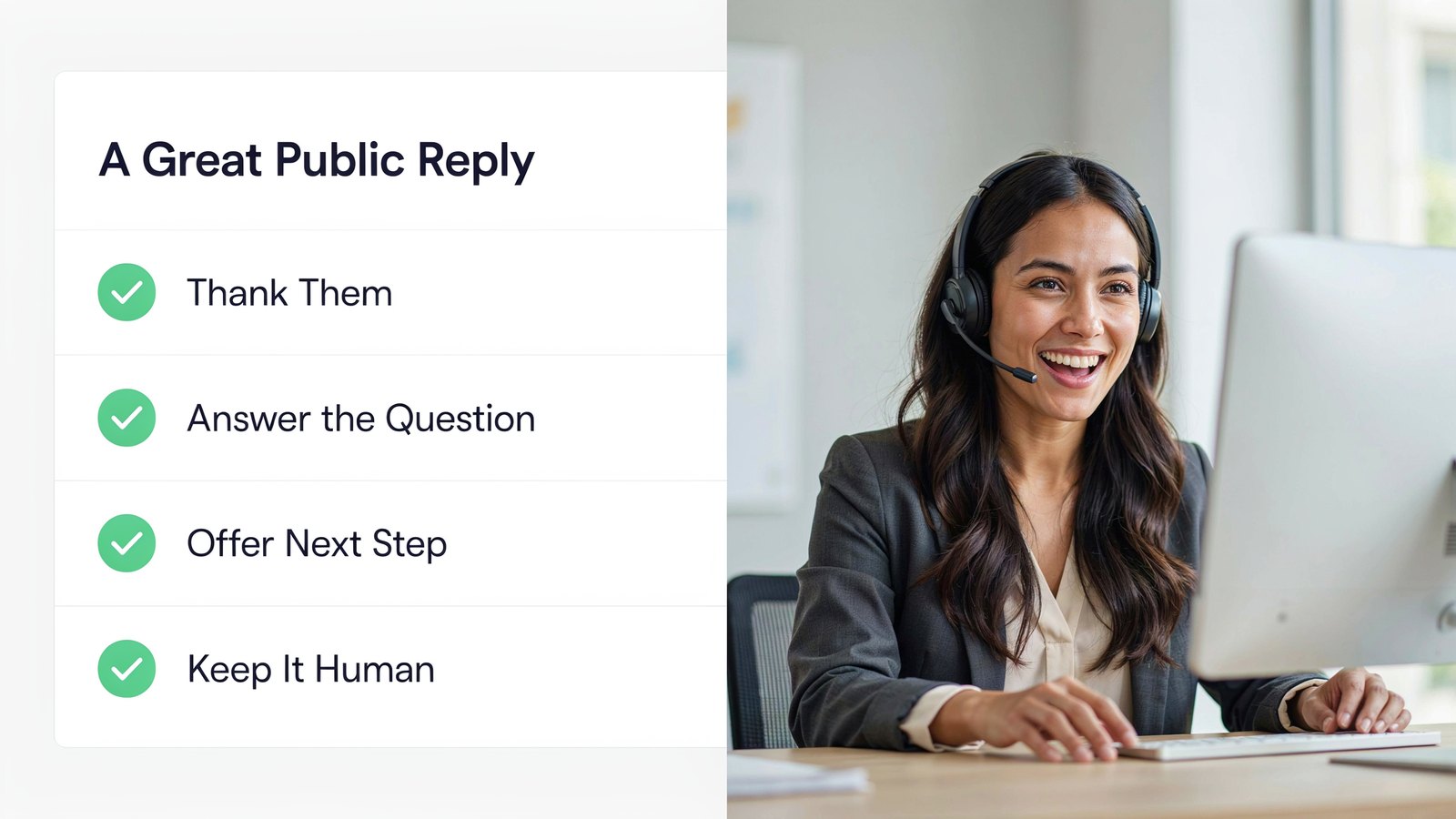
Notice the pattern. Thank them, answer or act, and invite the next step.
Each reply takes seconds to approve, but it shows everyone reading that real people care about their customers.
A 15 Minute Daily Reply Routine
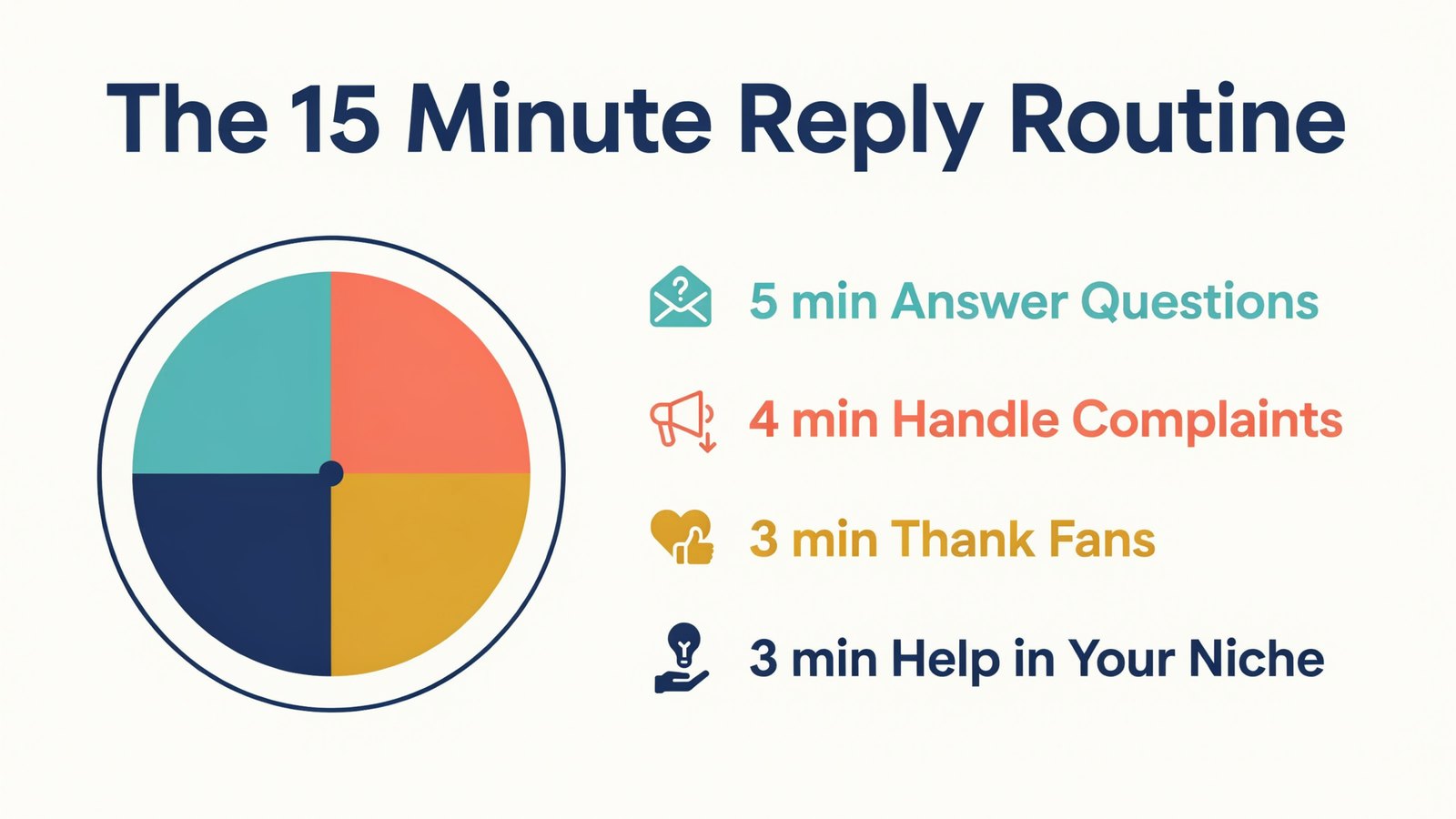
You don't need a full support team to answer every comment. You need a short routine you actually stick to.
- 5 minutes, answer questions. Go through new comments and mentions. Questions first, because they block a sale.
- 4 minutes, handle complaints. Reply politely in public, then move the details to a private message.
- 3 minutes, thank fans. Reply to compliments and shares. It costs little and builds loyalty.
- 3 minutes, help in your niche. Answer one or two questions in groups or threads where your customers hang out.
Do it once in the morning and once in the afternoon. With AI drafting the replies, 15 minutes covers far more than it used to.
Write Simple Reply Guidelines
AI works best when it knows how you want to sound. Write a short one-page guide your whole team can follow.
- Your tone in three words. For example, warm, clear and upbeat.
- How you greet people. First names, or something more formal.
- What never goes in public. Order numbers, emails, refunds and anything personal.
- Words to avoid. Jargon, blame and anything that sounds like a canned script.
- When to hand over to a person. Angry customers, legal issues and anything you're unsure about.
Keep the guide next to you while you review AI drafts. After a week, the drafts and your edits will both start to sound like you.
Social Customer Service by Platform
Each platform has its own style. A good reply fits the place.
- Facebook. Most customer questions land here, on posts and in groups. Friendly, helpful and a little personal works best.
- X. Short, fast and to the point. People expect quick answers, and complaints spread quickly.
- LinkedIn. More professional. Thoughtful replies to business questions build trust with B2B buyers.
- Instagram. Warm and casual. Many questions come in comments under product posts.
- Reddit and forums. Be genuinely helpful and transparent about who you are. Hard selling backfires.
Engagi works across these platforms from your browser, so one tool covers the places your customers actually talk.
What to Measure
- Reply time. How long comments wait for an answer.
- Reply rate. The share of comments and questions that get a response.
- Sentiment. Are more threads ending on a positive note?
- Leads from comments. Clicks, messages and sales that start in a reply.
- Repeat questions. The same question every week means you need an FAQ or a clearer page.
Check these once a month. Small improvements in reply time and reply rate add up to a noticeably better reputation.
Where AI Engagement Fits With Other Support Tools
Engagement tools handle the public side. Most businesses pair them with a few other pieces.
- A website chat for questions people ask while browsing.
- A help desk or shared inbox for emails and private tickets.
- A simple FAQ page for the questions that come up every week.
Together they make sure no customer is left waiting, wherever they reach out.
A Quick Example From a Small Online Store
Let's say Dana runs a small online store selling handmade candles. Dana posts on Facebook and Instagram three times a week, and the comments keep piling up.
Before, questions about scents and shipping sat for two or three days. Some buyers simply gave up and bought elsewhere. Complaints about a late order turned into long public threads.
Now Dana opens the comments each morning, clicks once on each one and gets a friendly draft. A quick read, a personal touch and it's posted. Questions get answers within hours. The late-order complaint gets a calm public reply and a private message, and the customer later posts a thank-you.
Dana also spends three minutes a day answering candle questions in two home decor groups. A few weeks in, people in those groups start tagging the shop when someone asks for a candle recommendation.
Same small business. Same few minutes a day. Very different customer experience.
Should You Let AI Reply Automatically?
It's tempting. But for customer service, a human should approve every public reply.
AI can misread sarcasm, miss context or answer a question nobody asked. One odd reply in public can undo a lot of goodwill. That's why Engagi drafts and you approve. You get the speed of AI with the judgment of a person.
Common Mistakes to Avoid
- Posting AI replies without reading them. Always review first.
- Copy and paste answers. People spot them instantly.
- Arguing in public. Stay calm and move it to a private chat.
- Ignoring negative comments. Silence looks worse than a polite reply.
- Only replying on your own posts. Proactive help in your niche builds the most goodwill.
Frequently Asked Questions
What is an AI engagement tool?
It's software that drafts replies to comments, questions and posts so you can respond faster. Engagi, for example, writes replies on Facebook, X and LinkedIn in one click.
Will AI replies sound fake?
Not if you review them and add a personal touch. The AI gives you a strong first draft. You make it yours.
Can AI handle complaints?
It can draft a calm, polite first reply. A person should still read every complaint reply and handle the follow-up.
Is AI customer service only for big companies?
No. Small businesses benefit the most, because a few minutes a day can now cover every comment that used to go unanswered.
Does Engagi post automatically?
No. Engagi drafts the reply and you approve it, so you stay in control of everything posted in your name.
How fast should I reply to comments?
Within a few hours is a good goal for most small businesses, and the same day at the latest. Questions and complaints come first.
Final Thoughts
Customer service is now a public conversation. Fast, kind and helpful replies win customers in front of everyone.
AI engagement tools make that possible for any size of business, as long as you keep the human touch.
Want to reply faster on every platform? Try Engagi and turn every comment into a chance to help, and to sell.